A website or portal should do more than look modern. It should help people find information quickly, complete the action they came for, and understand your business without unnecessary confusion.
Controlled access for customers, employees and vendors
Web Applications
Browser-based tools, forms, workflows and dashboards
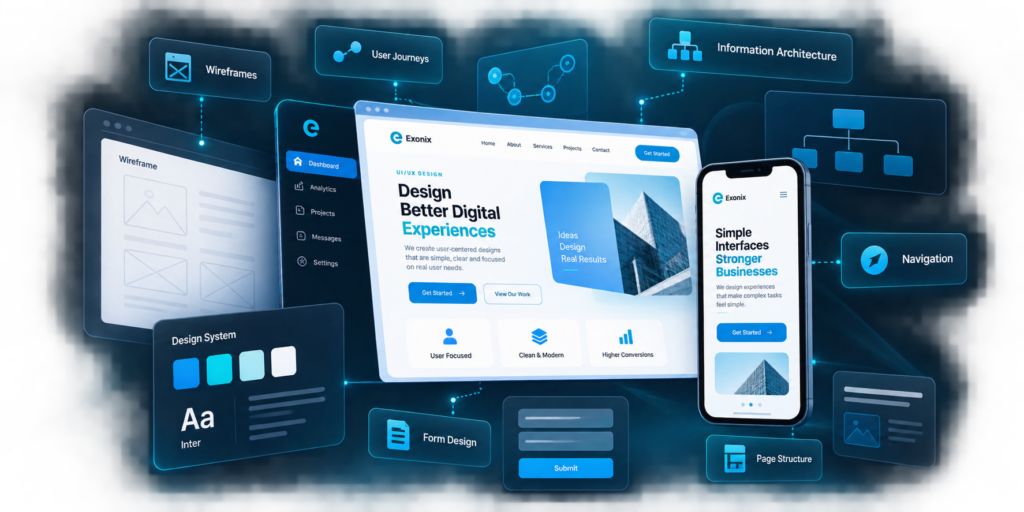
UI/UX Design
User journeys, layouts, forms and interface clarity
01 / CORPORATE WEBSITES
Corporate Website Development
A business website is often the first serious interaction a potential customer has with a company.
Projects may include:
Corporate websites
Service-based websites
Company profile websites
Product and solution websites
Multi-page business websites
Website redesigns
Landing pages
Campaign-focused pages
The structure is planned around the information visitors need, not around filling pages with unnecessary content.
02 / WEBSITE REDESIGN
Website Redesign
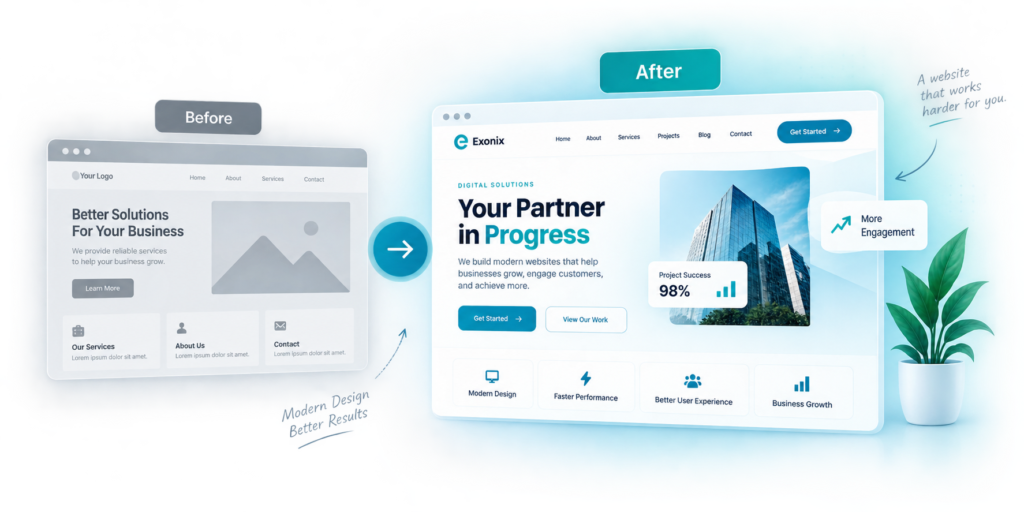
Sometimes a business already has a website, but it no longer reflects the company properly.
The website looks outdated
Navigation is confusing
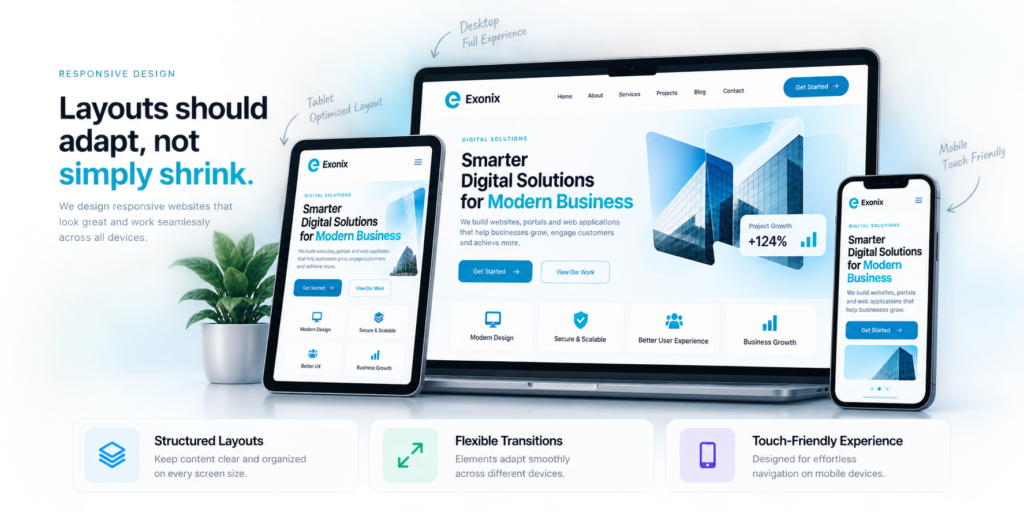
Mobile usability is poor
The content no longer matches the business
Enquiries are not being generated effectively
The site has become slow or difficult to maintain
Important services are difficult to find
The visual identity is inconsistent
A redesign can improve both presentation and the way the website is organized.
03 / BUSINESS PORTALS
Business Portals
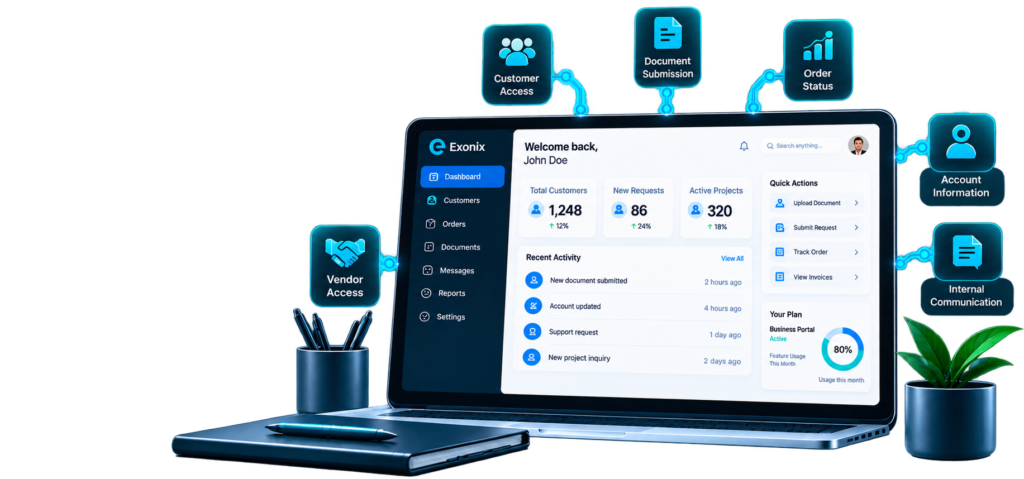
A portal gives selected users access to information or services that are not meant for the public website.
We can develop portals for use cases such as:
Customer access
Employee services
Vendor access
Document submission
Request management
Service tracking
Project updates
Account information
Order status
Internal communication
Controlled downloads
Each portal can be structured around different user roles and access requirements.
04 / WEB APPLICATIONS
Web Applications
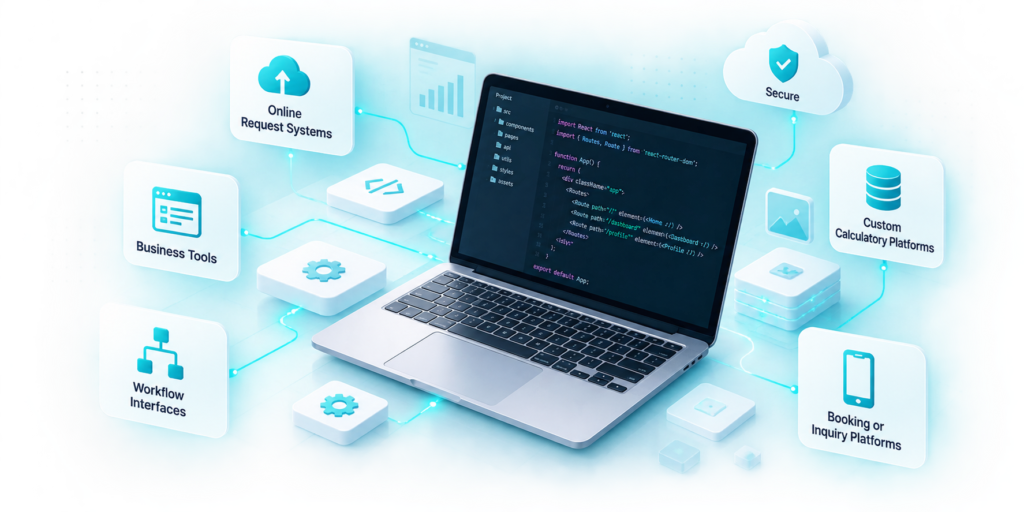
Some online requirements go beyond a standard website.
Examples may include:
Online request systems
Booking or enquiry platforms
Internal management tools
Customer-facing applications
Dashboards
Data-entry systems
Workflow interfaces
Account portals
Custom calculators or tools
The functionality is defined around what the user needs to achieve.
05 / UI/UX Design
Good design should make things easier.
UI and UX design is not only about colours, icons and visual style. It is about helping users understand where they are, what matters, what they can do, and what happens next.
A clear interface can reduce confusion, support faster task completion, and improve the overall experience.
06 / Performance & Technical Quality
Website quality also depends on what happens behind the design.
The exact technical requirements depend on the type and scale of the website.
Page speed
Image optimization
Responsive loading
Clean development
Browser compatibility
Technical SEO foundations
Structured page hierarchy
Secure forms
Hosting setup & deployment
Maintainability
07 / CMS & Content Management
Manage your content where it makes sense
Some businesses need to update website content regularly without relying on a developer for every small change.
Pages
News or articles
Services
Team profiles
Projects
FAQs
Images
Downloadable documents
08 / WEBSITE INTEGRATIONS
Website Integrations
A website may need to connect with other tools or platforms.
Depending on available technical access, integrations may include:
Contact and enquiry systems
CRM platforms
Email services
Analytics
Maps
Payment gateways
Third-party APIs
Booking systems
Marketing tools
Internal business systems
Integration feasibility depends on the platforms involved and the access they provide.
09 / SEO-Ready Website Structure
Build the technical foundation properly from the beginning.
Search visibility is easier to improve when the website is structured properly from the start. Ongoing SEO remains a separate service.
Logical page hierarchy
Clean URLs
Heading structure
Metadata support
Mobile usability
Performance
Internal linking
Search-friendly content layouts
Indexable pages
Technical foundations for future SEO work
10 / From Idea to Launch
A clear path from requirement to live website.
A web project may start with an existing website, a rough idea, a reference design, or simply a business requirement.
01
Scope
Define the purpose, pages, users, functionality and expected outcome.
02
Structure
Plan sitemap, content flow, navigation and user journeys.
03
Design
Develop the visual direction and key interface layouts.
04
Development
Build the website, portal or web application.
05
Review
Test content, functionality, responsiveness and usability.
06
Launch
Deploy the approved version and complete the required production setup.
What Can You Send Us to Get Started?
You do not need to prepare everything before the first discussion.
Any material that helps explain the business, content, visual direction or functionality is useful.
Your existing website
Company profile
Service list
Brand guidelines
Logo
Reference websites you like
Required pages
Functional requirements
Existing content
Project brief
Screenshots or sketches
Examples of portals or systems you want to improve
THIS SERVICE MAY BE RIGHT FOR YOU IF
This Service May Be Right for You If
You need a professional website for a new business
Your existing website looks outdated or no longer represents your company.
Your website is difficult to use on mobile.
Customers struggle to find your services or contact information.
You need a customer, employee or vendor portal.
You need a browser-based business application.
Your website needs integration with other systems.
You need a more manageable CMS and content structure.
Need a New Website or Portal?
Tell us what you want the platform to achieve.
Whether you are planning a new corporate website, redesigning an existing one, building a customer portal, or developing a web-based business application, we can help turn the requirement into a clear project scope.